Scripts
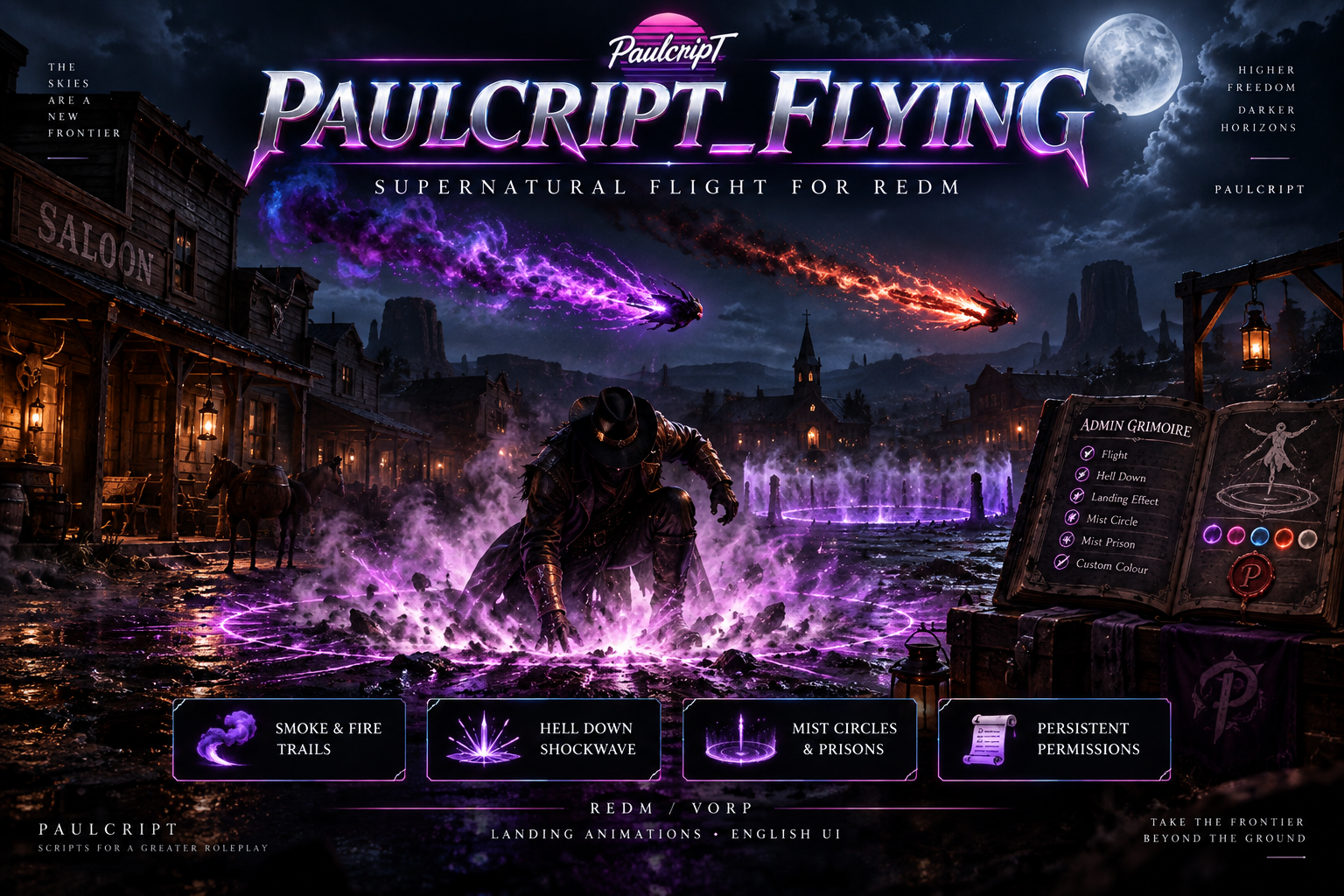
PAULCRIPT FLYING — ARCANE FLIGHT & HELL DOWN SYSTEM | VORP REDM
Paulcript Flying v1.0.1 — Smoke Edition gives selected VORP characters supernatural flight with synchronized, customizable smoke trails, landing animations, and the Hell Down dive and shockwave. The interface, built-in animation labels, messages, and documentation are in English.
Features
- Camera-relative flight with configurable acceleration, ascent, descent, and ground clearance.
- Colored smoke trails visible to nearby players and an optional brief smoke cloud on normal landing.
- Hell Down dive with a synchronized shockwave, expanding visual dome, bundled positional sound, and configurable force, ragdoll, and player or NPC targeting.
- Grimoire administration panel and saved permissions, smoke colors, and landing animations per VORP Character ID.
- Searchable English landing animation catalogue with filters and favorites. Optional
gum_animmenuimport is off by default.
Smoke is the flight manifestation in this edition. Hell Down has its own permission and requires Flight. Normal landings trigger the selected animation and, when enabled, landing smoke.
Character permissions and controls
Authorized staff open /adminflying, select an online character or enter a persistent Character ID, then grant Flight, Hell Down, or Landing Smoke. Hell Down and Landing Smoke both require Flight. Staff can set the smoke color and landing animation from the same panel. The default staff groups are admin and superadmin. Panel access can also be granted through the paulcript_flying.admin ACE.
/flyor6starts flight or begins a normal landing./landalso starts a normal landing./helldownor7dives while flying when the character has permission and enough altitude. The default minimum altitude is 2.5 metres.W,A,S, andDmove relative to the camera.Spaceascends,Left Ctrldescends, andShiftincreases speed.Backspacecancels a persistent landing animation or scenario. Commands and key bindings are configurable.
Players must leave their horse or vehicle before taking off. By default, the smoke trail represents the character during flight and the character model is hidden. Server owners can change that setting in config.lua.
What’s included
The complete paulcript_flying resource, including the flight and server permission scripts, Hell Down shockwave, grimoire panel, editable config.lua, bundled helldown.wav, English animation catalogue, integration exports, SQL installation and optional migration files, and an English setup guide. The package includes the script and its bundled sound. Custom peds, a configured server, external dependencies, and custom installation are separate.
Requirements
A RedM server with VORP, OneSync, a configured VORP database, and an Asset Escrow-compatible server build. Install oxmysql, vorp_core, and xsound separately. xsound remains a resource dependency if you disable the bundled impact sound. gum_animmenu is only needed if you enable its optional imports.
Download, install and use
- Complete checkout with the Cfx.re account that owns your RedM server. Sign in with the same account and download paulcript_flying from Cfx.re Portal → Granted Assets.
- Extract the complete
paulcript_flyingfolder into your server’sresourcesdirectory. Keepfxmanifest.luaand.fxapin that folder. Keep the folder name because the bundled sound URL and integrations use it. - In
server.cfg, add these commands on separate lines in this order:ensure oxmysql,ensure vorp_core,ensure xsound, andensure paulcript_flying. - Restart the server or resource. Open
/adminflyingwith an authorized account and grant Flight to the intended VORP Character ID. Grant Hell Down and Landing Smoke as needed. - On that character, dismount and run
/fly. Use/landfor a normal landing or/helldownfor the authorized dive.
The resource creates its permissions table automatically. sql/install.sql is available for manual setup. The database user needs access to the standard VORP characters table and the permissions needed to create and maintain the resource’s table.
Upgrades and migration
When upgrading from 1.0.0, stop the old copy, replace the resource folder, and transfer your custom settings to the new config.lua. Existing character grants remain usable without a database reset. For an optional migration from sh_auror, back up the database and follow the guide before running sql/migrate_from_sh_auror.sql. Keep only one flight resource active to avoid command and control conflicts.
Asset Escrow and editable files
Cfx.re delivers the processed v1.0.1 Smoke Edition ZIP with Asset Escrow active. The client, server, and shockwave Lua files are protected. config.lua is editable. The SQL files, documentation, NUI files, and bundled impact audio are included in the download.
License and support
The purchase grants a license to use the resource. Redistribution, resale, repackaging, and sublicensing are prohibited. Purchases and refunds are governed by Tebex’s applicable terms and the buyer’s statutory rights.
For installation or product support, join the Paulcript Support Discord.